

On average, 49% of people suffer from iphonela, and most of them like its high safety. These features include hidden folders that individuals can use to store sensitive data. The problem is that many users, such as teenagers or family members, can hide compromises or dangerous content in these files.
You should learn how to find hidden photos on your iPhone to protect them or protect your relationships.
Where to find photos hidden on iPhone
iOS devices such as iPhones have a feature called “Hide Albums” that can hide certain photos from the main library. The album is invisible unless you change the user settings. To access it, it is necessary to bypass some difficulties.
There are many people using it to hide sensitive information, such as screenshots of important documents or content they wish to keep private.
This “invisible file” is effective when you don’t want the photo to fall into bad hands. That is, he can also provide valuable information about a person’s online activities, especially when he is at risk to him.
Parents may worry that their children are hiding forbidden content, or that their partners can use it to hide their spouse’s secrets.
Although the hidden file is technically invisible and not found in the library, there are still ways to discover it. Once you discover it, you can access it as long as you follow the correct steps.
How to view hidden photos on iPhone
As we all know, Apple is one of the safest ecosystems. This does not mean it is impenetrable. If you have a good reason to access hidden photos of your iPhone on someone else’s phone, here’s the best way to get there:
Method #1: Access hidden files without face ID via Phonsee

One of the most subtle aspects of a visitor hiding a file is the need to use a face ID. That said, you won’t be able to surpass unless you have their face in front of you to unlock it.
Whether you are a worried parent or want to know if your partner is hiding inappropriate photos, Phonsee can help.
The installation of the Phonsee app takes about 3 to 5 minutes. Once done, you can check the data on any other device you log in with the identifier. You can see hidden photos on your iPhone by going to the dashboard without passing them through Face ID.
As a bonus, you can check the text of the target or its location in real time to see if it is completely honest.
One of the best features of Phsoe is its ability to operate cautiously in the background. The owner of the iPhone will not be able to access his data, making it a good monitoring option for teenagers or unfaithful spouses. It is an ideal tool for those who are not technical experts and not good tools to provide detailed reports.
Method #2: Check iCloud Photo Library

Another good option to view hidden photos on your Mac is to access the iCloud Photo Gallery. You can do this by targeting your phone or by accessing a platform on another device. This is the following process:
- Go to iCloud.com
- Introduction to Apple ID identification information
- Go to Hide Album
In addition to hidden albums, you can also see shared albums or photos synced by third parties, such as Google Photos.
Remember, this option is only valid if the device’s owner activates his iCloud Photo Library. Even if he does, you need to access his connection identifier.
Also read: How to find something hidden on someone’s phone?
Method #3: Search with Spotlight
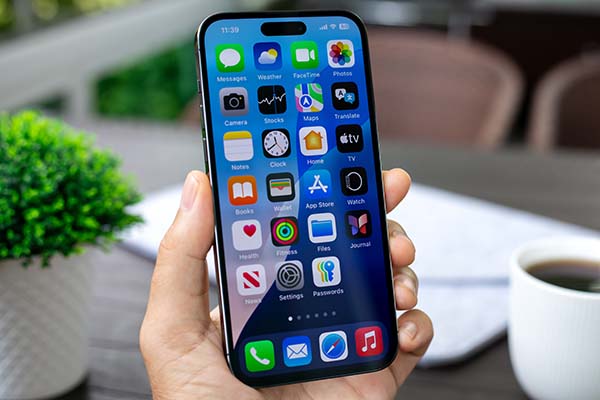
Believe it or not, a simple spotlight search is one of the most effective ways to access hidden photos on your iPhone. To do this, slide to the iPhone home screen and type in some file formats such as JPEG or IMG_.
You can also search for application names such as Picsart or Snapseed. If you know photo indexing ideas, look for them too.
Instead, this is a blind search, but it may be valid if you use the correct keywords. Even if the images are hidden, you can’t really remove them completely from the iOS index. This allows you to extract photos that were not considered in the phone navigation step.
Method #4: Consult “Recently Deleted Files”
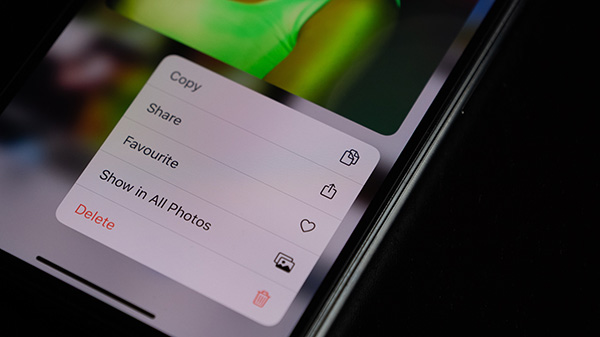
The recently deleted folder stores the photo deleted for about 30 days and then permanently deleted. In the meantime, you can go there and restore the photo so that it can be displayed (and possibly deleted) later.
Many people moved their private photos there, thinking they were hard to find and that they were not that suspicious. When they don’t want to access hidden photos on their iPhone, they try to hide them here to facilitate access.
If you manage to enter the target phone, you can access this file:
- Go to the photo and select “Album”
- Scroll until recently deleted
- Unlock files using access or previous ID code
The file is a surprising gold mine, as most people think the photos have disappeared after being deleted. But they are still there and create a branding.
Method #5: Activate albums hidden from parameters
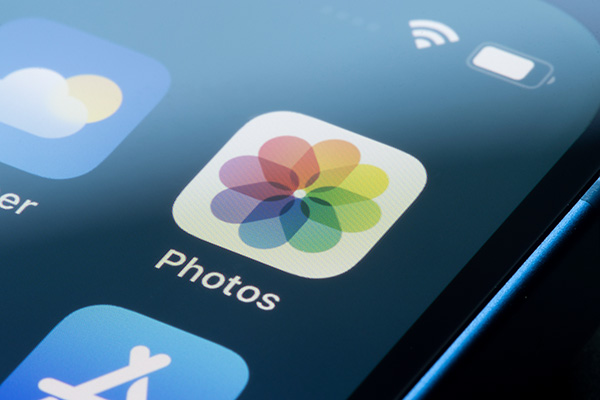
This is perhaps the easiest option, and the way iPhone users themselves display folders. If the related album is not appearing anywhere, it may be easily disabled.
To find the hidden file on your iPhone, go to Settings and select Photos. You will see a tilt option that “Show hidden albums” which you have to place on “ON”.
Once you have done this, all you have to do is go to your Photos app. Since then, files that are no longer hidden are no longer hidden. Scroll to the Utilities folder and click Hide Album. If the target tries to hide something from you, all the photos should be there.
Evaluate
It seems difficult to find hidden photos on iPhone, but it’s not that complicated. With the right tools and good technology, you can find files that hide sensitive data.
Remember that transparency and respect for privacy are important, so you must have a good reason to authorize or access your data. Once you have done this, you can access real private things and protect loved ones or relationships.
Best Recipe
Game Center
Game News
Review Film
Berita Terkini
Berita Terkini
Berita Terkini
review anime


